Monitoring is only as good as the alert that reaches the right person at the right time. Monitorix gives you multiple channels, sensible anti-spam behaviour, and per-monitor control — so you hear about the incidents that matter and nothing else. Here's how to set alerts up well.
Which alert channels does Monitorix support?
- Email — the account owner always receives alerts, and you can add extra recipients per monitor.
- Slack — paste an incoming-webhook URL and alerts post straight into your channel.
- Webhooks — a signed POST to your own endpoint, so you can wire alerts into any system you run.
How does Monitorix avoid alert spam?
Getting paged every minute during an incident is as useless as getting no alert at all. Monitorix sends one alert per outage, then optional reminders at a sensible cadence while the incident continues, and a recovery notice when the target comes back — including how long it was down. It never re-alerts for the same ongoing incident.
What kinds of things trigger an alert?
- A confirmed outage of a monitored website or service (after multi-agent verification).
- An SSL certificate or domain approaching expiry, warned in stages so you have time to renew.
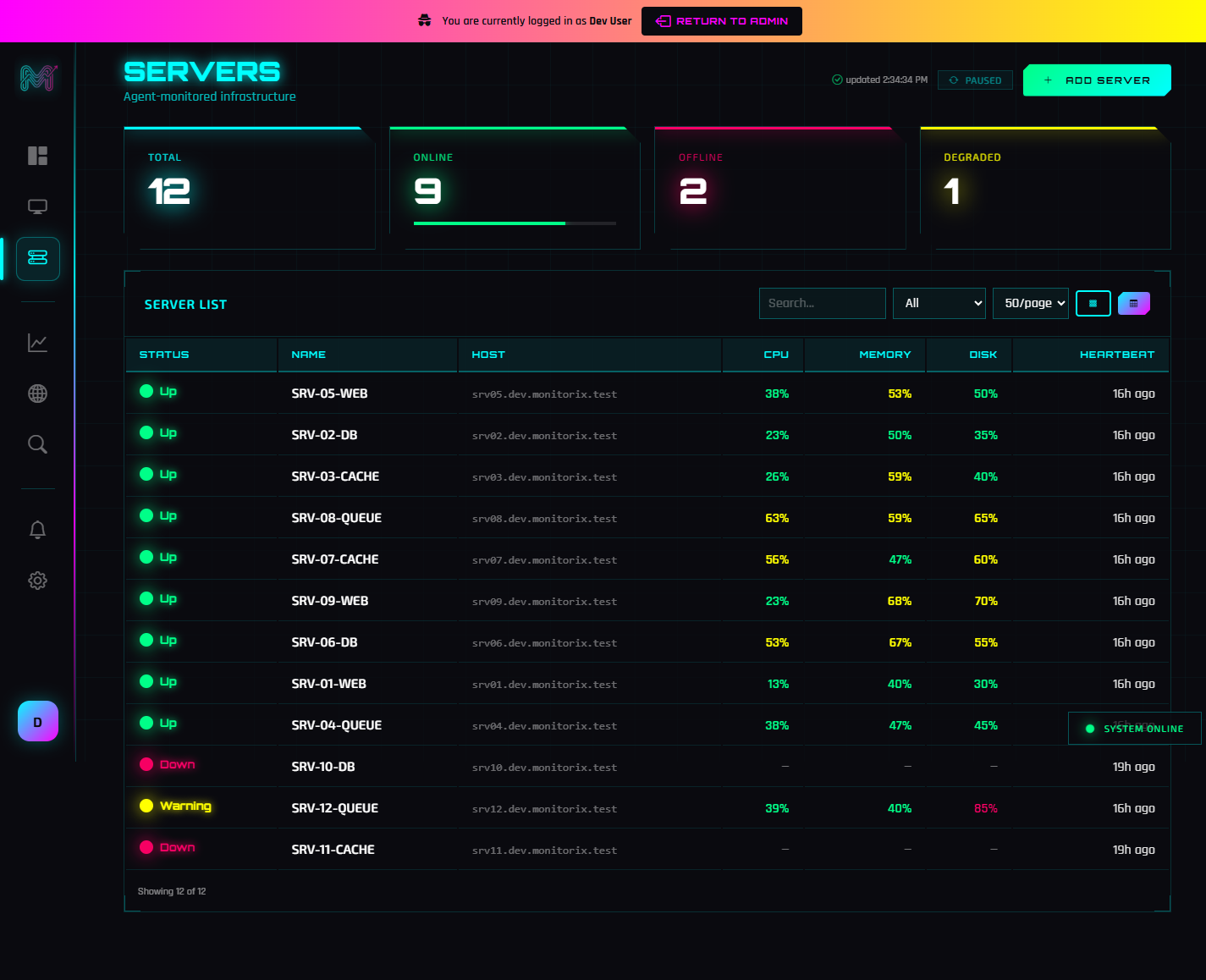
- A server crossing a CPU, memory, or disk threshold — when the condition is sustained.
- A server that stops reporting, after Monitorix probes it from other locations to confirm.
Can I silence alerts during maintenance?
Yes. You can snooze a monitor for a period, or define a recurring maintenance window so planned work doesn't page you. Suppressed alerts are still recorded in your alert history — marked with the reason — so you have a complete audit trail without the noise.
How do I set recipients and rules?
Alert settings are configured per monitor: extra email recipients, a failure threshold, a Slack webhook, a generic webhook, snooze, and maintenance windows. That means a noisy internal service and your flagship website can have completely different alerting behaviour.
A good default setup
For most teams: email to the owner plus a shared inbox, a Slack webhook to your ops channel, staged SSL/domain warnings on, and a maintenance window around your deploy schedule. Combine that with multi-agent verification so every alert you get is real, and you have alerting you can actually trust. New here? Start with What is Monitorix?
Frequently Asked Questions
What alert channels does Monitorix support?
How does Monitorix prevent alert spam?
Can I silence alerts during maintenance?
Can different monitors have different alert settings?
Related Posts