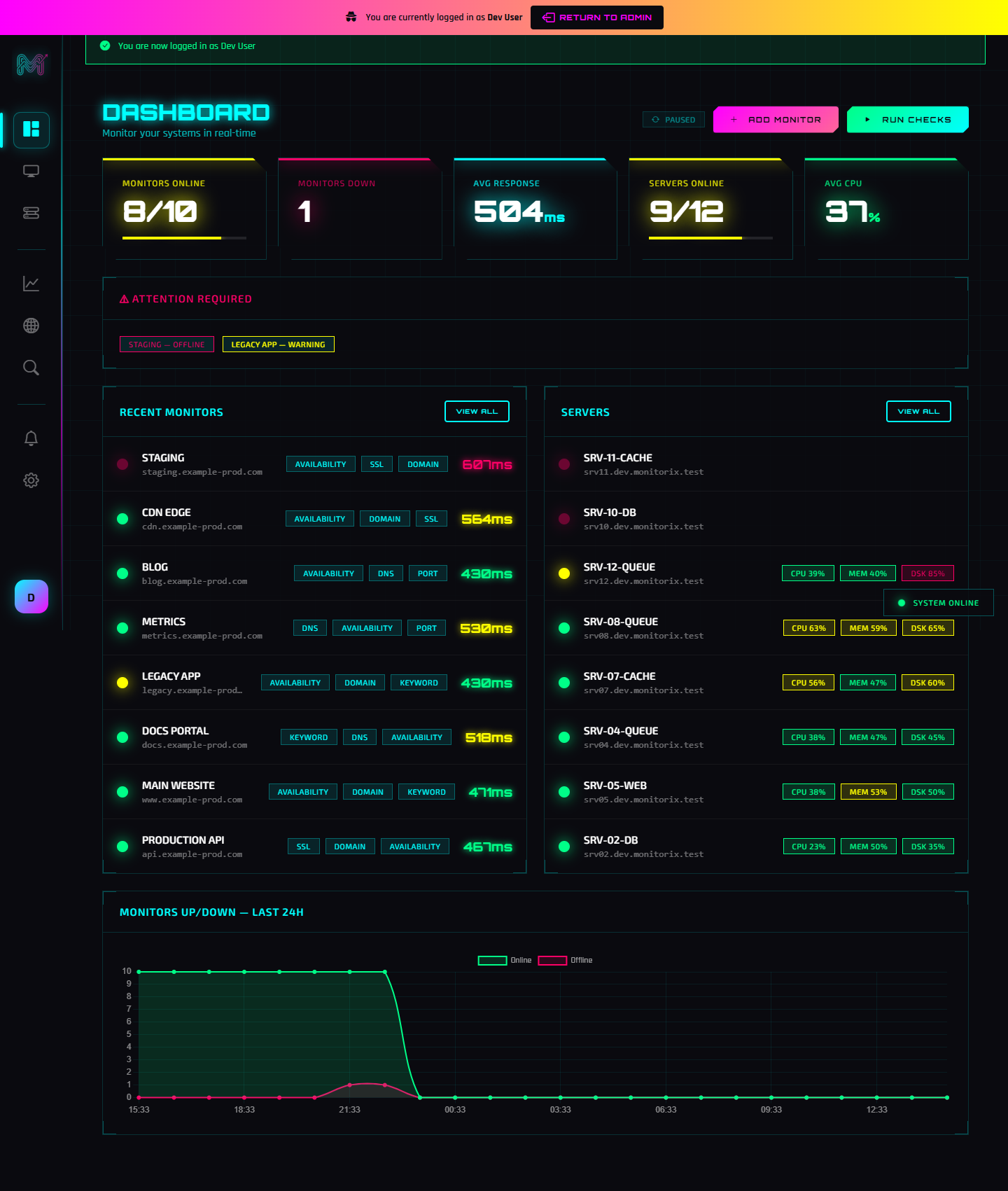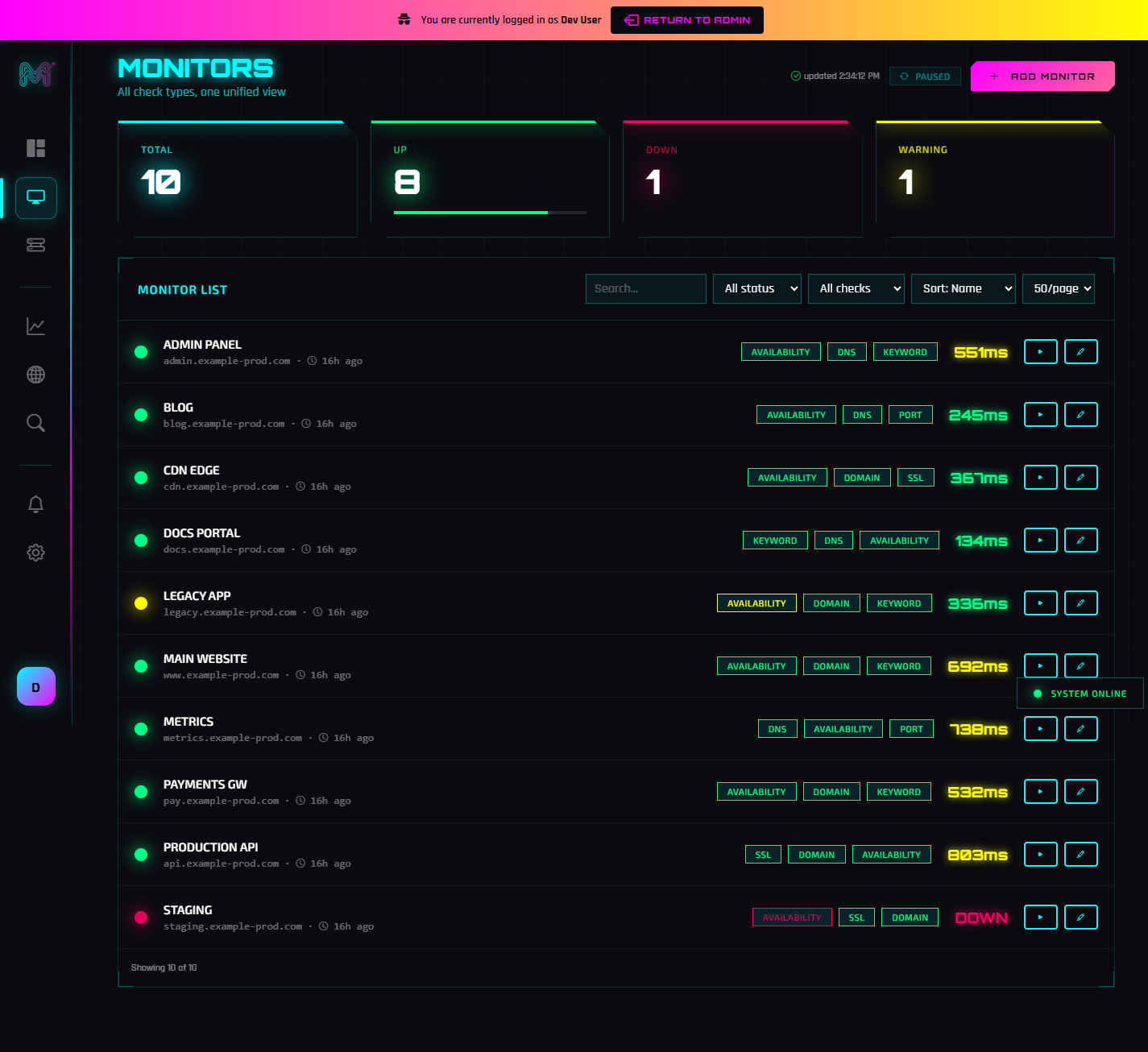
"Uptime monitoring" sounds simple — ping a URL, alert if it fails. In practice, a site can be "up" and still broken: the page loads but shows an error, the SSL certificate expired overnight, the domain is about to lapse, or DNS is pointing at the wrong server. Monitorix checks all of these, and re-verifies from multiple locations before it ever alarms you. Here's how to monitor uptime properly.
What are the different check types?
A single Monitorix monitor can combine several checks, each watching a different failure mode:
- Availability — HTTP/HTTPS or ping. Set the expected status code, port, and path, and Monitorix tracks response time on every check so you can see slowdowns before they become outages.
- SSL certificate — Monitorix reads your certificate's expiry date and warns you in stages (for example 30, 14, 7, and 1 day out) so a renewal never slips.
- Domain expiry — a WHOIS-based check that warns before your domain registration expires.
- Keyword — verifies that a specific word or phrase appears (or does not appear) in the response, catching "the page loads but it's an error page" situations.
- DNS — checks that a record type resolves to the value you expect, catching misconfigured or hijacked DNS.
- Port — confirms a TCP port (SSH, database, mail, game server, anything) is open.
How does Monitorix avoid false alarms?
This is where Monitorix earns its keep. A single monitoring server sitting on one network will occasionally see a target as "down" simply because of a transient routing problem between them — not because the site is actually down. That produces false alerts, and false alerts train you to ignore real ones.
Monitorix uses multi-point verification: when the primary check reports a failure, the target is re-checked from independent agents in different geographic regions. Only if the outage is confirmed from multiple vantage points does Monitorix mark it down and alert you. If the agents disagree, it was a network blip, not an outage — and you don't get woken up.
When and how do I get alerted?
Monitorix sends one alert per outage (no repeated spam for the same incident), a recovery notice when the target comes back — including how long it was down — and optional reminders while an incident is ongoing. You can route alerts to:
- Email — the account owner plus any extra recipients you add;
- Slack — via an incoming webhook;
- Webhooks — a signed POST to your own endpoint for custom integrations.
You can also snooze a monitor or set a recurring maintenance window so planned work doesn't page you.
How often does Monitorix check?
Checks run on a clock-aligned schedule at the interval you choose, and time-sensitive checks like SSL and domain expiry run once a day at a fixed time. Because scheduling is aligned to the wall clock, your 5-minute checks land at predictable times rather than drifting.
Putting it together
A good setup for a production website is: an availability check every 1–5 minutes, an SSL check, a domain-expiry check, and a keyword check for a string that only appears when the app is truly healthy. Add Slack alerts, and you'll know about problems before your customers do. For server-side metrics to go with this, see our Monitorix agent guide.
Frequently Asked Questions
What can Monitorix check?
How does Monitorix avoid false downtime alerts?
How often does Monitorix check my site?
What alert channels does Monitorix support?
Related Posts